Schedule a Demo
Experience the power of Stream-Punk firsthand. Schedule a demo today and discover how our tool can transform your data into dynamic visuals.
Book a Demo

Turn live data into dynamic visuals, creating images, videos and overlays that resonate across multiple platforms.
Learn More










Compared to traditional approaches, our recent data-driven campaigns saw significant increases in engagement, views, and impressions.
Curious how we can help you make an impact?
Get in Touch+161%
Increase in engagement
+200%
Increase in views
+345%
Social media impressions
Curious how we can help you make an impact?
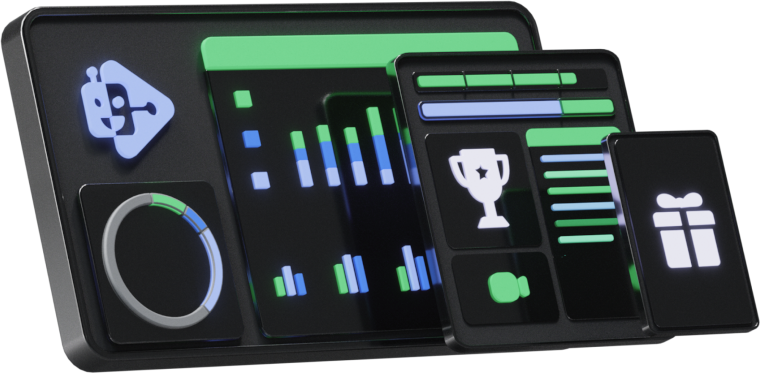
Get in TouchIgnite instant engagement with our real-time video tool. Watch your live feed come alive as soon as posts meet your criteria, displaying 'hype counts', progress bars, and usernames in real-time. Captivate your audience with every interactive update.
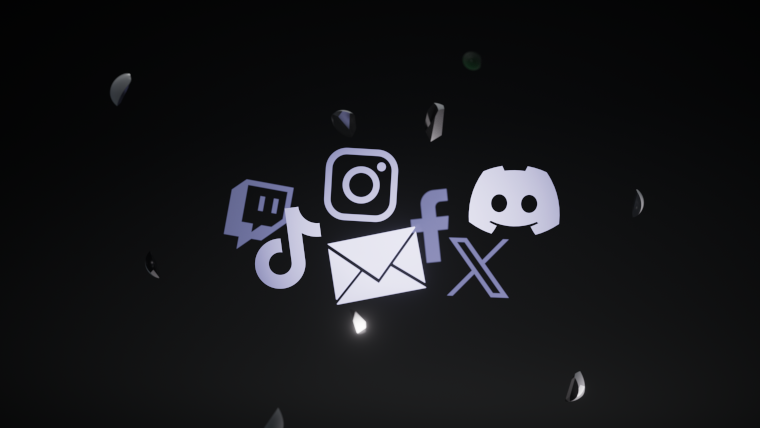
Envision the impact of embedding real-time data from various sources—including product recommendations, sports scores, weather updates, or even updates from social media channels—directly into your email visuals.
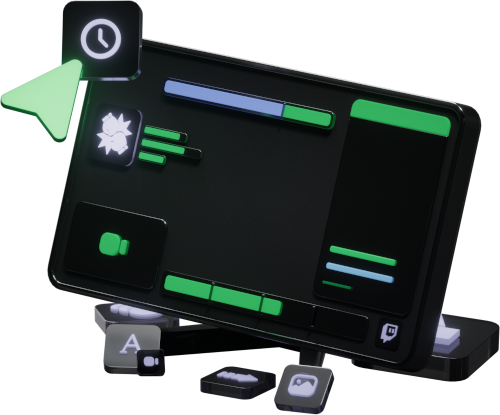
This functionality grants you control over the content in a streamer's broadcast. Our user-friendly interface enables effortless creation and customization of elements such as scoreboards.
Check out what a Stream-Punk campaign can do for your brand! Here are some of our recent video streaming highlights.
Curious how we can help you make an impact?
Get in TouchRunning the #erazergameroom giveaway marked the debut of our innovative Scoreboard feature. This interactive campaign involved six streamers from Sweden, France, and the Netherlands, who competed live in a variety of games. As they completed challenges, their progress was dynamically updated in real-time on our overlays and Twitch stream, showcasing the capabilities of our new technology and enhancing viewer engagement.
This strategic campaign from Nvidia and Blizzard promoted #DiabloIVDLSS3 through a competitive challenge involving influencers from France, the UK, and Germany. Using Stream-Punk overlays to display scores, and streaming 24/7 to Twitch, it trended the hashtag across all regions, reaching 93 million users, a 345% increase from previous campaigns!
A 3-week Stream-Punk livestream with UK and German influencers. Achievements: 162K video views, 12.6K live viewers, 28.6K hours watched, 5.1M+ impressions. The campaign featured high engagement, $7,000 worth of prizes, and showcased Overwatch 2 on NVIDIA, reaching 21M+ users with #NVIDIAOverwatch2.
The Warzone DLSS Clash, a 3-week UK vs. Germany influencer stream, garnered 560K+ video views, 19.5K live viewers, 75K+ hours watched, and 260K+ engagements. The campaign reached 5.1M+ impressions, with the #WarzoneDLSS hashtag hitting over 20M users. It featured $6500 in prizes and highlighted COD: Warzone on NVIDIA hardware.
The Cyberpunk 2077 Hype campaign, in partnership with Gigabyte and CD Projekt RED, ran from 21st Nov to 9th Dec 2020, achieving 3.9M impressions and 43K comments. Highlighting RTX features in Cyberpunk 2077, the campaign offered 4 RTX Graphics cards as prizes and successfully created buzz with the #Cyberpunk2077Hype and #RTXON hashtags.
Experience the power of Stream-Punk firsthand. Schedule a demo today and discover how our tool can transform your data into dynamic visuals.
Book a Demo